
Studio Notes
Studio Notes is a growing reference library drawn from my design and pattern-writing process.
These pages collect cutting math, construction notes, and tools I return to again and again while making quilts.
It isn’t a tutorial series or a blog, but a working notebook—practical, evolving, and shared in the spirit of usefulness.
I’ll add to it as the studio work continues.
Cutting & Construction
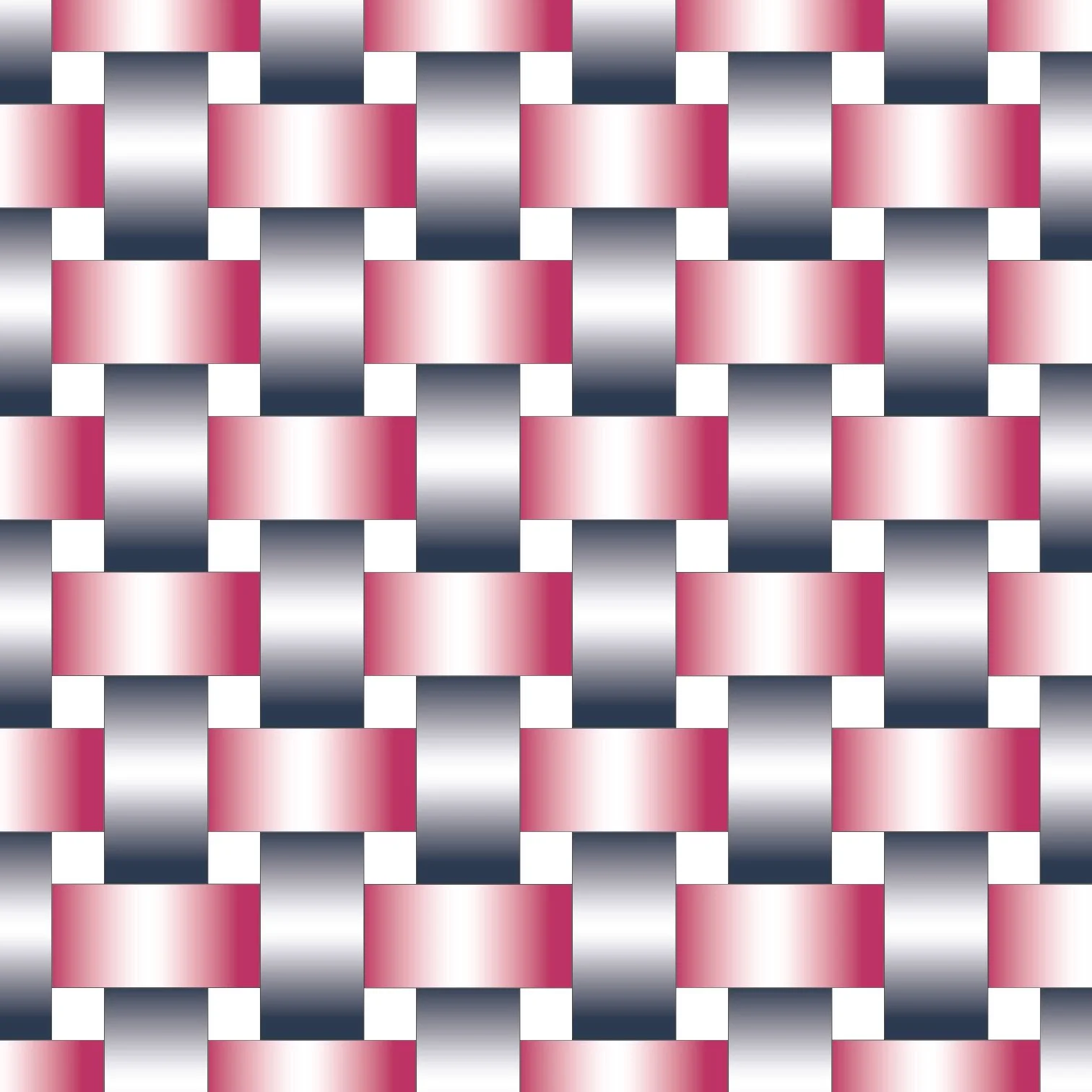
How straight grain and bias affect stability, stretch, and accuracy when cutting quilt pieces.
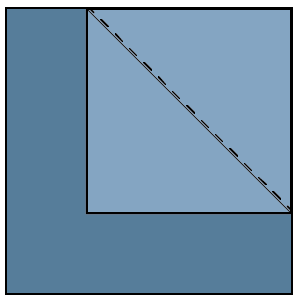
Scant ¼" Seams in Quilting | Why Seam Accuracy Matters
What a scant ¼″ seam is, how it differs from a true ¼″ seam, and why small differences in seam width matter for accurate piecing.
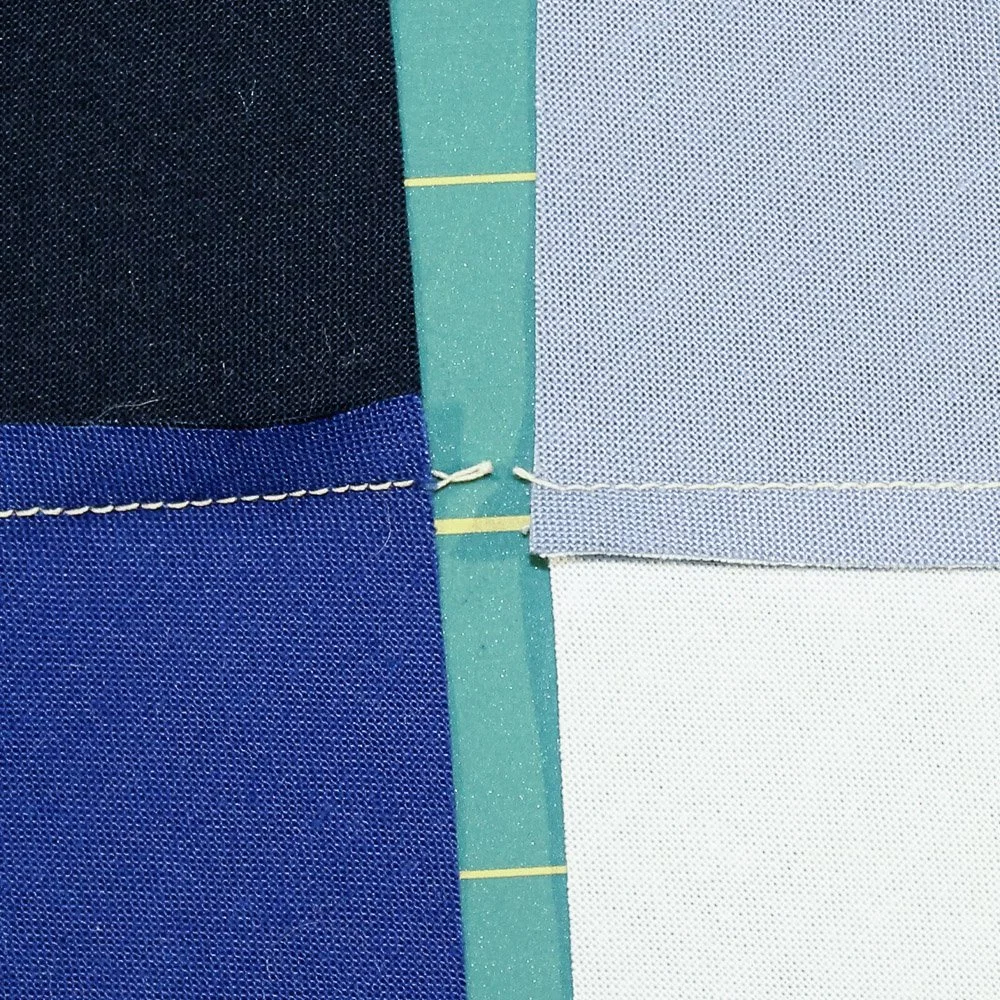
Nesting Seams in Quilting | Pressing for Accurate Alignment
How pressing seams in opposite directions helps blocks align cleanly and lie flatter.
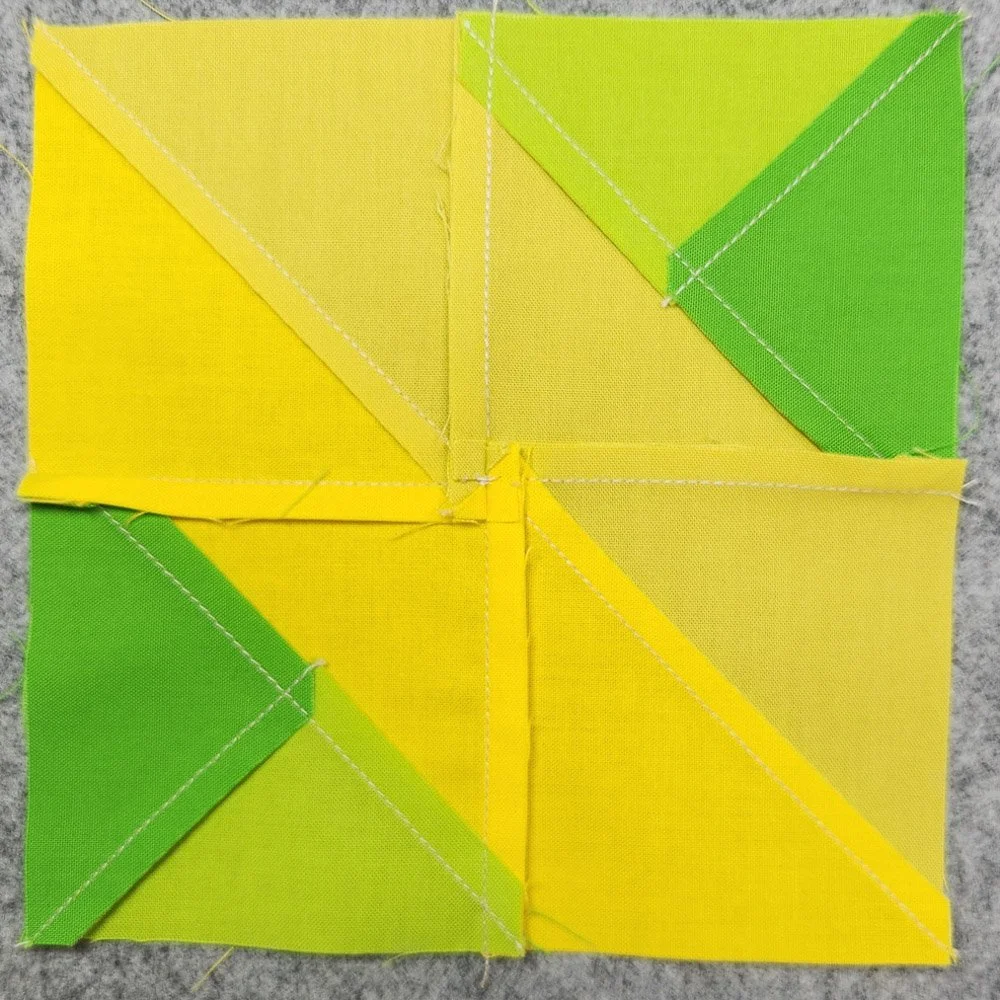
Spinning Seams in Quilting | Reducing Bulk at Block Intersections
When and how to spin seams to reduce bulk where multiple seams meet.
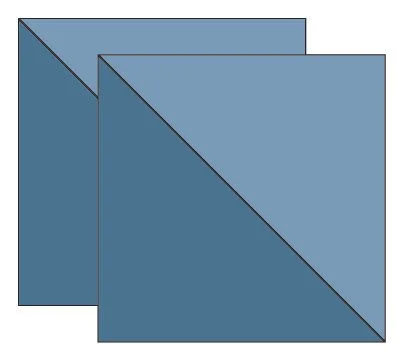
Two at a Time Half-Square Triangles
A quick reference for making accurate half-square triangles, with step-by-step construction and a printable cutting chart. (Free download)
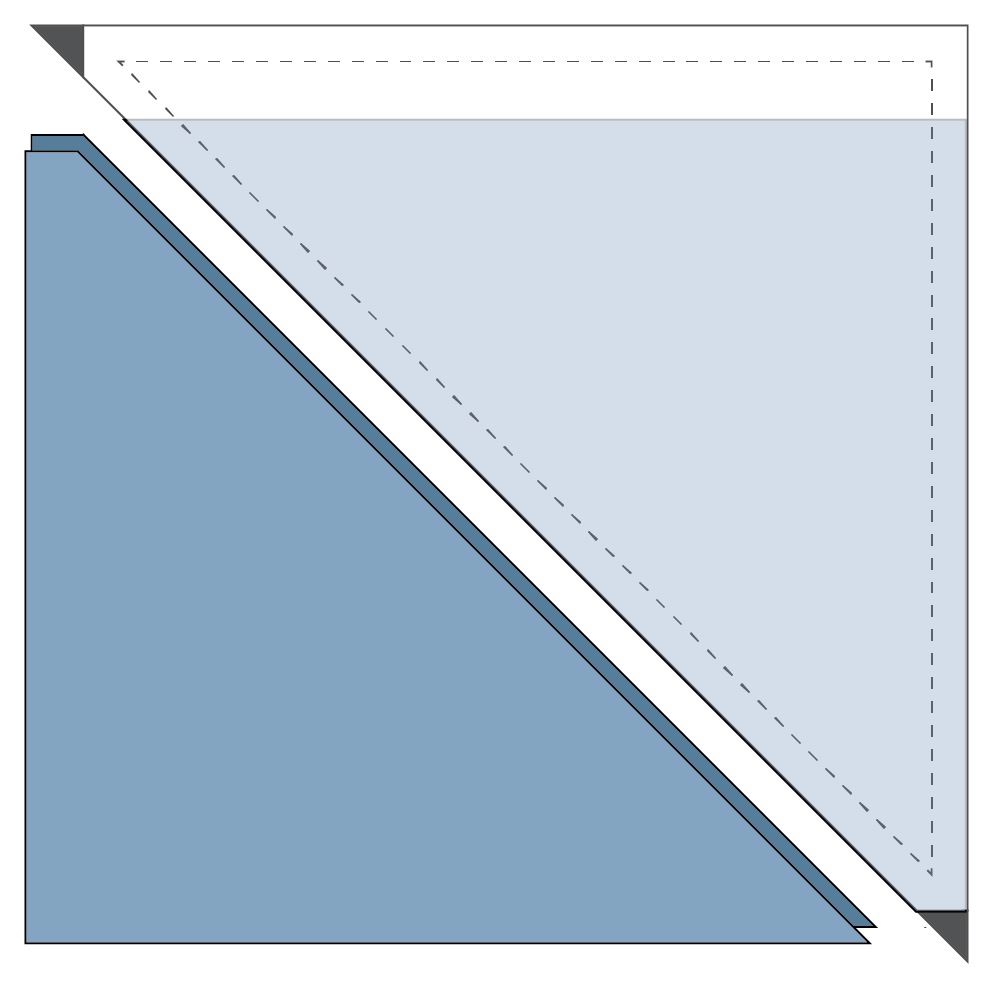
HST Specialty Ruler Cutting Guide | Strip-Cut Yield Reference
A yield reference showing how many half-square triangles can be cut from a 42″ width of fabric using strip-cut specialty rulers.
Color & Design Tools

Free Online Quilting Calculators
I use the Quilt Backing Calculator by Quilter’s Paradise to determine backing yardage based on quilt size and fabric width.
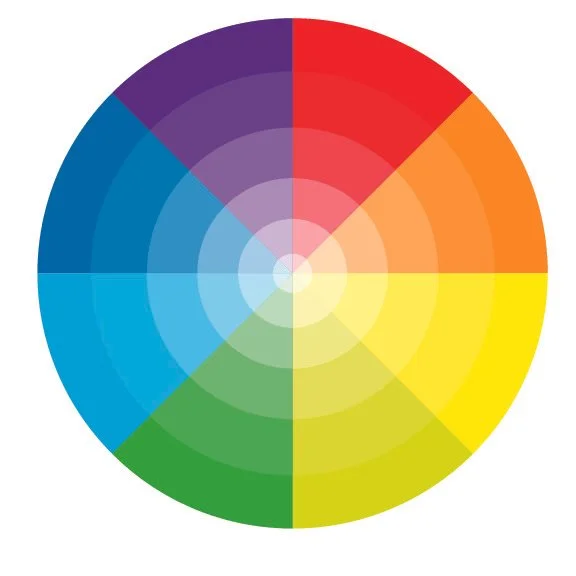
I use this Color Gradient Generator to build smooth, adjustable color gradients when planning quilt palettes.
The tool lets you choose the number of colors in a gradient and fine-tune the transitions between them. RGB values are provided for each step, which makes it easy to translate digital gradients into fabric choices.
I find this especially useful when designing quilts that rely on gradual color shifts rather than high contrast.

I use this Kona Color Selector to match digital color values to available Kona Solid fabrics.
Enter RGB values (with commas between numbers) and submit the form. The tool returns a list of Kona colors with corresponding RGB values.
I use this page frequently when building or refining color gradients, especially to align digital palettes with the Kona colors that actually exist.